

Provisions stores
Know what's on the shelf, and what it earned
The supplier calls on Tuesday and you have four minutes to decide what to reorder across a hundred and fifty lines nobody has counted in weeks.
The regulars
The customer who messages every week can just order
Your WhatsApp ordering link, generated when you finish setting up. Same stock as the counter.
Your WhatsApp link
Share it with the regulars
Golden Penny Semovita 2kg
In stock · delivery from 10am
The Tuesday phone call
A hundred and fifty small decisions, made from memory
A provisions store is not one business decision a week. It is a hundred and fifty of them, made in a hurry, mostly from memory, on the day the supplier calls.
The cost of getting them wrong is quiet. A line runs out on Thursday and that customer buys it somewhere else, sometimes for good. Another has been sitting there since March, counted as stock, worth less every month. Neither announces itself, which is why both keep happening.
What changes
The difference a count that maintains itself makes
A count that maintains itself
- Today
- Counting when someone finds time
- With Tab
- A count that moves as you sell
Every sale at the counter and every order in the chat draws the same record down. There is only ever one number.
Told before the shelf is empty
- Today
- Finding out from an empty shelf
- With Tab
- A low-stock alert while there is still time
Reorder levels sit on the item, because lines turn over at completely different rates.
The regulars can order ahead
- Today
- “Do you have milk?”, forty times a day
- With Tab
- A link that answers, and takes the order
The customers who already message you get a chat that knows what is in and what it costs.
Margin on thin margins
- Today
- Turnover, and no idea what it made
- With Tab
- Cost and price on every line
On a catalog where nothing carries much margin, knowing which lines carry any is the whole game.
Thresholds
A reorder level per line, because lines do not turn over alike
Semovita moves every day. A tin of imported olives moves twice a month. One low-stock threshold across the whole catalog either floods you with alerts you learn to ignore, or tells you nothing at all.
Reorder levels sit on the item. Set them once, per line, and the alert arrives while there is still time to act, not when the shelf is already bare. The decision moves off the day the supplier calls and onto the day the stock started running down.
Chapman
Bar · Coming off the menu at zero.
The other half of the day
The orders that arrive as messages
Plenty of a provisions store's trade never walks in. It is the regular who sends a list on Saturday morning, the customer who wants it delivered, the one who asks whether you have something before making the trip.
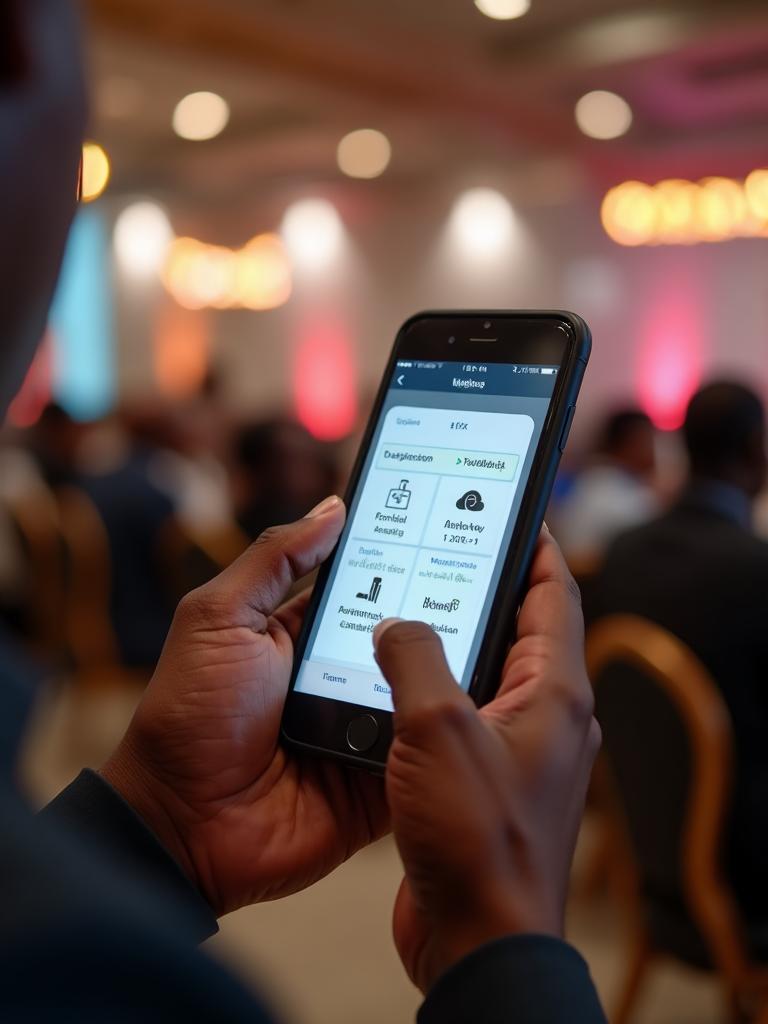
That is already happening in your chat. Tab gives it a catalog, current stock and a payment link, and puts the order in the same queue and the same takings as the counter, so it stops being a separate business run out of a notebook.
- #2041 · WhatsAppChidinma · 2 itemsNew
- #2040 · StorefrontCollect at 6pmPreparing
- #2039 · QR · Table 43 itemsReady
What a shop uses daily
The parts that earn their keep behind a counter
Spreadsheet import
Load the catalog in bulk rather than typing a hundred and fifty lines into a form one at a time.
Reorder levels per line
Set once, per item, so the alerts you get are the ones worth acting on.
Cost and price on everything
Margin per line, not just turnover, across the whole catalog.
Counter sales draw down
A walk-in sale moves the same record as an order placed in chat. There is only one count to trust.
A WhatsApp ordering link
Generated when you finish onboarding. Share it with the regulars and the chat can take the order.
Card, bank transfer, or your own machine
Collect in Tab by card (NGN or USD), or bank transfer. Or take it on the POS terminal you already own and record it.
The other end of the shelf
Dead stock has always had a cost. Now it has a name.
Stock that does not move is money you have already spent, sitting still. It never appears as a loss, because it is counted as an asset right up to the day you write it off.
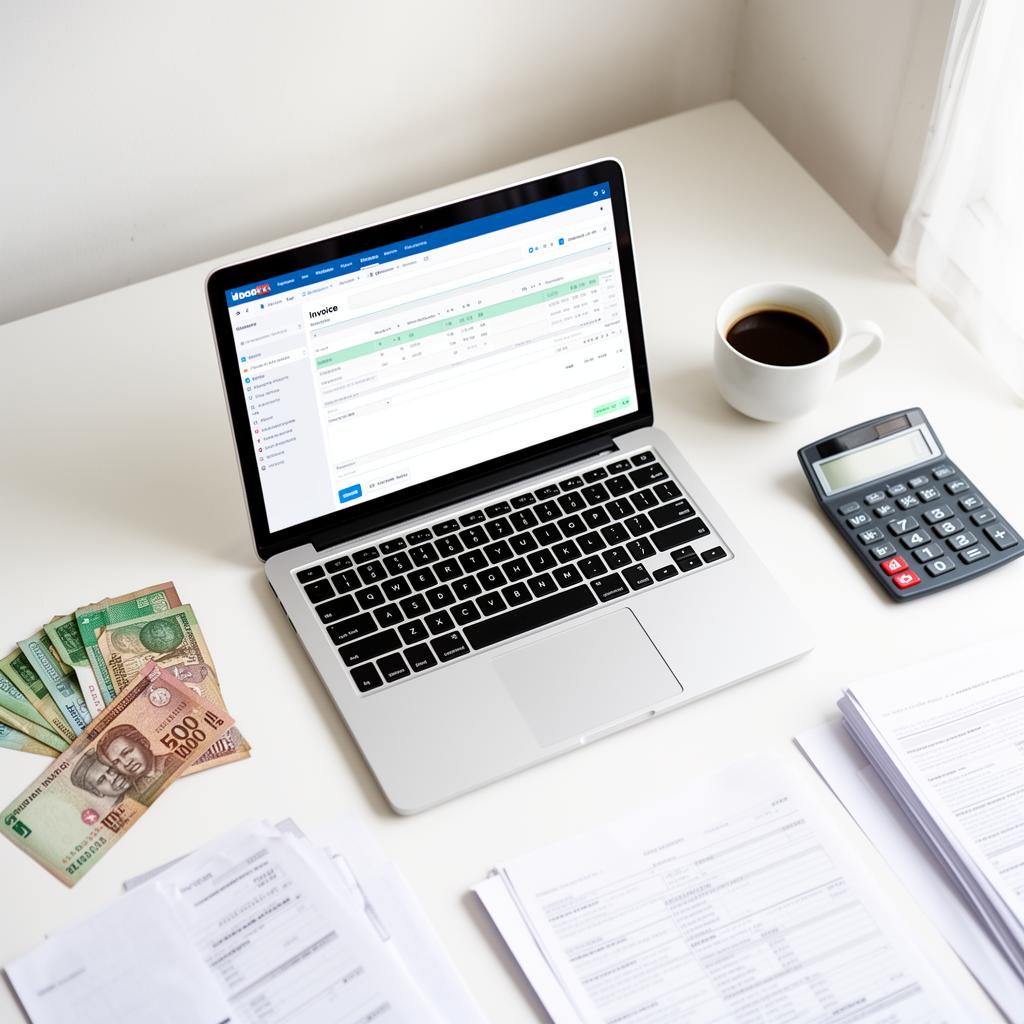
The morning report names what has not sold in weeks alongside what has, and puts margin beside turnover. Between the two you get the shape of the shop rather than a total: where the money is working and where it is parked.
Good morning. Yesterday at Amaka Stores:
- • Beaded clutch: sold out, 9 gone by 4pm
- • Leather sandals: 7 sold, 3 left
Reorder beaded clutches and sandals before Friday.
Getting the catalog in
The one part that takes real time
Opening the account takes minutes. A hundred and fifty lines do not, and it is worth doing properly once.
Open the account
From any browser, on a device you already own. Tab is a web app, so a phone, a tablet or a POS terminal that opens a browser will all run it.
Export what you have
A stock list, a supplier invoice, last year's count, whatever the current record is, in a spreadsheet.
Import in bulk
Upload the sheet with names, prices and costs. Fix the awkward lines by hand afterwards.
Set reorder levels
Start with the fifty lines you actually run out of. The long tail can wait until you have the habit.
Share your link
Send the WhatsApp ordering link to the regulars who already message you. It is live the same day you sign up.
Behind the shelf
One count, one set of costs, one report
The counter and the chat run on the same record, so neither of them is guessing.
Inventory
Stock levels that move as you sell · Low-stock and reorder alerts · Cost price, selling price and margin per item · One catalog behind every channel
Sell everywhere
WhatsApp ordering · Your own storefront on your own link · QR codes for tables, counters and shelves · Bookings, covers and ticketed events
Get paid
Collect in Tab by card (NGN or USD), or bank transfer · Or collect on your own POS machine and record the payment in Tab · T+1 settlement to your bank · Every payment attached to the order it paid for, with nothing matched by hand · An end-of-day close you read rather than assemble
See what's working
Daily AI report to your phone · Sales and margin by day, hour and item · What to reorder and what is not moving · A customer database you own
Testimonial placeholder
We don't yet have a named, permissioned customer quote for Provisions stores. This slot stays empty until we do.
Before you sign up
Where a shop will feel the edges
Better to know now than in month three.
If you are a full supermarket, with barcode scanners at the till, goods priced by weight on a scale and thousands of lines, Tab is the wrong layer. It is built for a counter, not a checkout lane.
There are no supplier purchase orders and no warehouse receiving. Tab records what you sell and what you have; ordering from your supplier stays a phone call.
Several shops each run their own stock and takings, but Tab does not move stock between them and has no group-level buying above them.
Goods priced per kilogram at a scale are not handled. Lines that sell by unit are.
Questions shop owners ask
The things provisions stores check first
- How do I get a hundred and fifty items in?
- Import a spreadsheet. Opening the account takes minutes; loading the catalog is the part that takes real time, and it is worth doing properly once rather than twice.
- Can different items have different reorder points?
- Yes. Reorder levels sit on the item, because a line that sells out weekly and a line that sells out yearly should not share a threshold.
- Most of my sales are walk-in. Is the chat part wasted?
- No, and you do not have to use it on day one. Most shops come for the stock and the reporting, then turn on the WhatsApp link once they notice how many orders already arrive as messages.
- What if I already have a POS machine?
- Keep it. Collect on the terminal you have and record the payment in Tab, or collect in Tab and skip the machine. Either way the sale draws down stock.
- When does the report arrive?
- First thing in the morning, so it is in front of you while the day can still be changed. A report that lands at closing time is a record; one that lands at seven is a decision.
- Can more than one person be on the till?
- Yes. Team members get their own login with a role, so staff can sell without seeing your costs and your margins.
Talk to us about your shop
Tell us about the business and we'll come back with a quote, or start setting up straight away.
Tab in other kinds of business

Retail & boutiques
Sell the same stock in the shop and in the chat
See how retail runs Tab
Restaurants & bars
Take the order sooner. Turn the table faster.
See how restaurants run Tab
WhatsApp-first businesses
Run the whole business inside the chat
Talk to us about your business