
Salons & services
Bookings, products and payment in one place
A salon earns two ways and only tracks one. The appointments are in an app; the shelf by the mirror is in a drawer.
Chair two
The treatment and the product on one bill
Sent in the conversation you were already having with her.
Chair 2
Or a link in the DM
Deep conditioning treatment
45 minutes · product included
Two businesses, one till
A salon earns two ways and usually only tracks one
There is the chair: time, skill, and a diary that lives in an app or a notebook. And there is the shelf by the mirror, with shampoo, treatments and tools, bought in, marked up and sold on trust out of a drawer.
The second one is often the better-margin half of the business, and it is almost always the half nobody can put a number to. Products go out, a transfer comes in, and the two are reconciled by memory if at all.
The shelf
Retail products become real stock, with a cost and a count
A product in a drawer is not stock. It is an expense you have already paid for and a sale you hope somebody remembers to record.
In Tab each product carries a cost, a price and a count. Sell one at the chair and the count moves; sell one through your storefront and it moves the same record. When it hits zero it stops being offered, rather than being promised and then apologised for.

Chapman
Bar · Coming off the menu at zero.
The conversation
The message that books is the message that pays
Enquiries already arrive in chat. Today they get retyped into a diary, and the money is a separate conversation later, usually an account number and a wait.
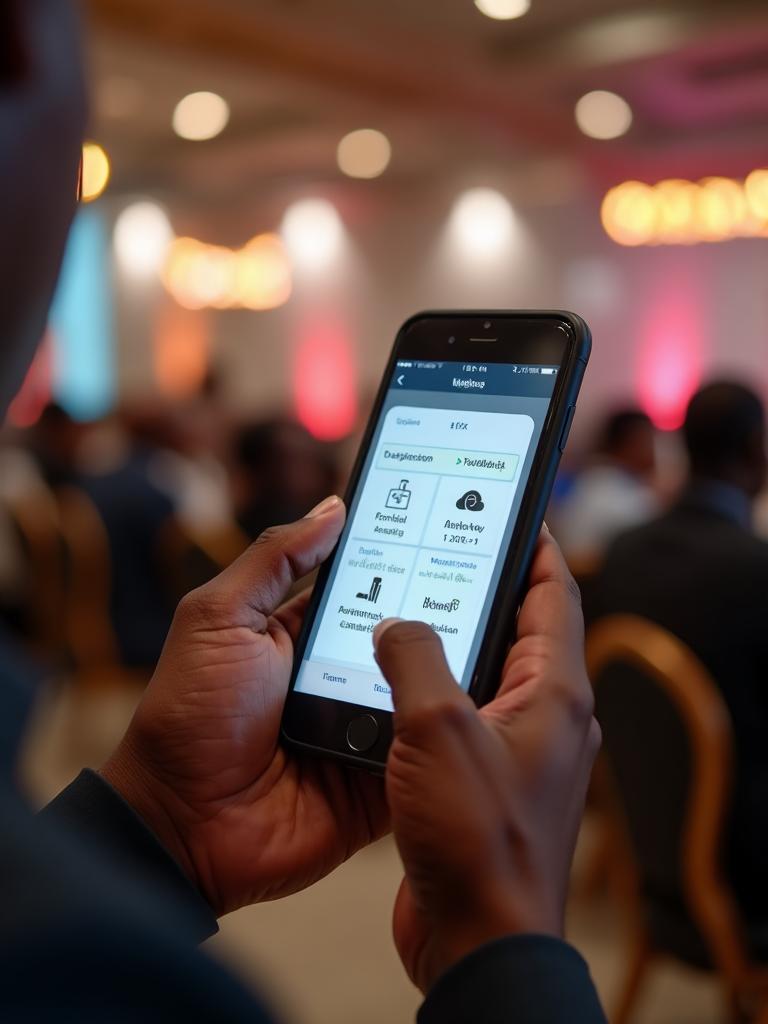
Tab gives you a WhatsApp ordering link when you finish setting up. In the same thread a client can see what a treatment costs, add the product you recommended last time, and pay for both before she arrives.
- #2041 · WhatsAppChidinma · 2 itemsNew
- #2040 · StorefrontCollect at 6pmPreparing
- #2039 · QR · Table 43 itemsReady
Services and products together
One catalog for the chair and the shelf
Services priced as items
A treatment sits in the catalog like anything else, with how long it takes in the note.
Products with a real count
Cost, price and stock, so the retail half of the business stops being a guess.
A WhatsApp ordering link
Generated at the end of onboarding. Share it wherever clients already message you.
A storefront link
For product sales with no appointment attached to them.
Card, bank transfer, or your own machine
Collect in Tab by card (NGN or USD), or bank transfer. Or take it on the terminal you already have and record it.
Both halves in one report
Services and products side by side, with margin on the products.
The end of the day
You already know how busy you were. This is what you made.
A full diary and a good day are not the same thing, and most salons only ever measure the first one.
The morning report puts the two halves side by side: what the chairs took, what the shelf took, and what the shelf made after cost.

Good morning. Yesterday at Amaka Stores:
- • Beaded clutch: sold out, 9 gone by 4pm
- • Leather sandals: 7 sold, 3 left
Reorder beaded clutches and sandals before Friday.
Setting up
An afternoon, and you keep your diary
Open the account
From any browser. Tab is a web app, so the phone or tablet at the front desk is already the till.
Add your services
Each treatment as an item, with its price and how long it takes.
Add the shelf
Products with cost, price and a count. This is the step that turns the drawer into stock.
Choose how you collect
Collect in Tab, or use the card machine you already have with the payment recorded against the session.
Share your links
The generated WhatsApp ordering link for clients who message you, and the storefront link for everyone else.
Behind the chair
One catalog, one set of takings, both halves of the day
Keep the calendar you already have. Tab covers what it was never going to.
Sell everywhere
WhatsApp ordering · Your own storefront on your own link · QR codes for tables, counters and shelves · Bookings, covers and ticketed events
Orders & fulfilment
Live order queue across every channel · Station and counter printing · Fulfilment states from order to handover · Team roles and permissions
Get paid
Collect in Tab by card (NGN or USD), or bank transfer · Or collect on your own POS machine and record the payment in Tab · T+1 settlement to your bank · Every payment attached to the order it paid for, with nothing matched by hand · An end-of-day close you read rather than assemble
See what's working
Daily AI report to your phone · Sales and margin by day, hour and item · What to reorder and what is not moving · A customer database you own
Testimonial placeholder
We don't yet have a named, permissioned customer quote for Salons & services. This slot stays empty until we do.
Before you sign up
What Tab is not, for a salon
Better to know now than in month three.
Tab is not a salon scheduling system. No stylist calendar, no recurring appointment slots, no resource allocation, no automated reminders. If that is the main thing you need, pair it with a booking tool.
There is no staff commission or tip-splitting engine, which many salons treat as essential.
Client notes and treatment history in the clinical sense, like allergies, formulas and what colour was used last time, are not modelled.
If you sell no products at all and only ever take payment for time, the inventory half of the platform goes unused.
Questions salon owners ask
The things people check before they start
- Does Tab replace my booking app?
- No, and we would not claim it does. Tab covers ordering, products, payment and reporting. If your calendar works, keep it and let Tab handle the money and the shelf.
- Can clients pay for a treatment in advance?
- Yes. Send the order and the payment link in the conversation you are already having, and it settles like any other order.
- Can I sell products without the client coming in?
- Yes. Your storefront link works for retail whether or not there is an appointment attached.
- Does it track which stylist sold what?
- Team roles exist, but there is no commission engine. If commission splitting is central to how you pay people, raise it early.
- Can I take a deposit rather than the full amount?
- Yes. Send an order for the deposit and settle the balance on the day. Both attach to the same client's history.
- Is this only for hair salons?
- No. It suits any service business that also sells something off a shelf: barbers, spas, nail studios, clinics. The pattern is the same: time in one half, stock in the other.
Talk to us about your salon
Tell us about the business and we'll come back with a quote, or start setting up straight away.
Tab in other kinds of business

Retail & boutiques
Sell the same stock in the shop and in the chat
See how retail runs Tab
Restaurants & bars
Take the order sooner. Turn the table faster.
See how restaurants run Tab
Provisions stores
Know what's on the shelf, and what it earned
Talk to us about your shop